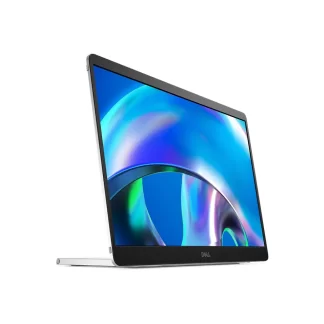
Dell Pro 14 Plus Portable Monitor – P1425

19,000.00

Category: Tags: , , , , , ,

Description

Dell Pro 14 Plus Portable Monitor – P1425


View forward-facing A Dell Pro 14 Plus portable monitor.


View rear-facing A Dell Pro 14 Plus portable monitor.

View right-facing A Dell Pro 14 Plus portable monitor.

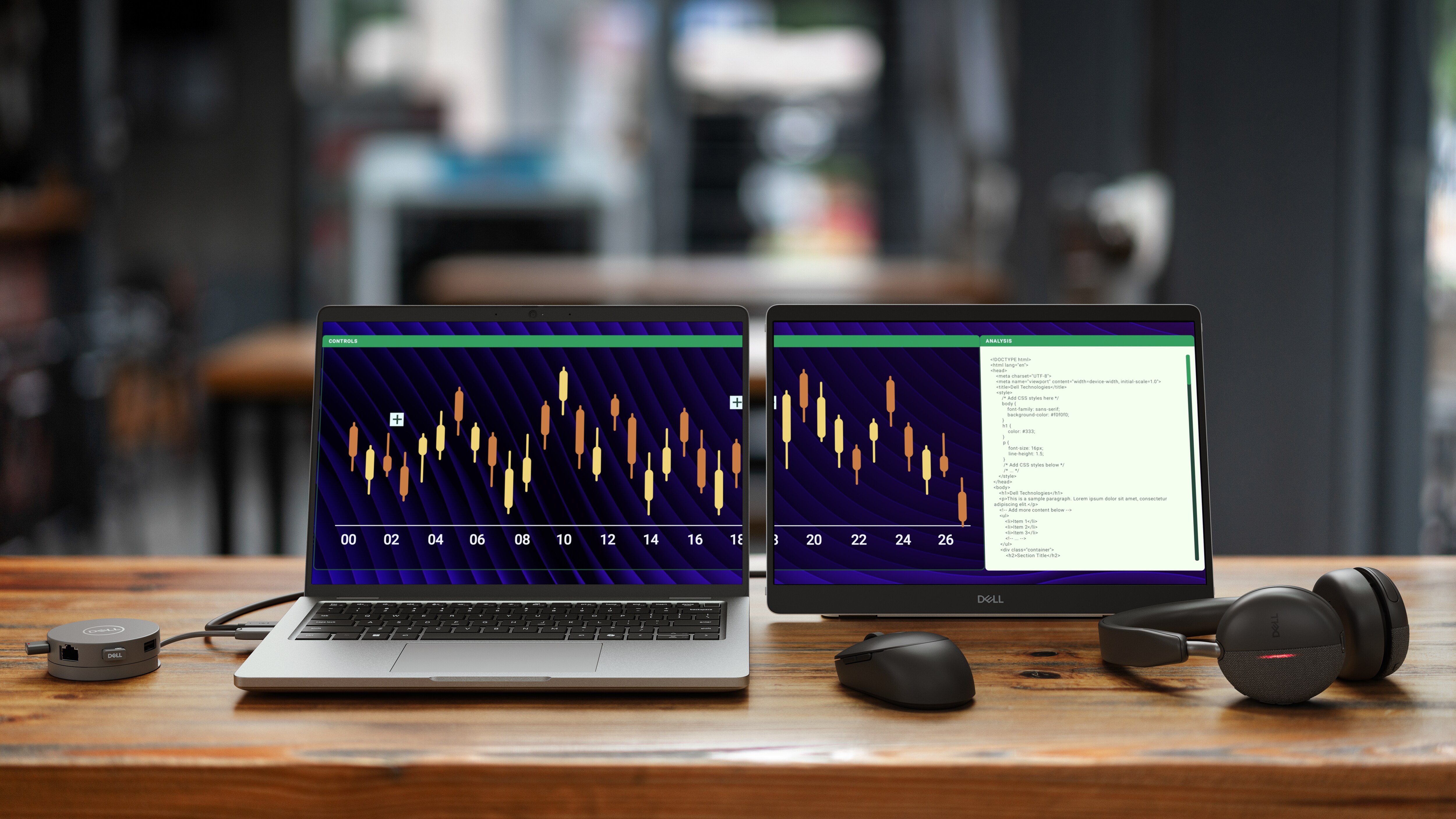
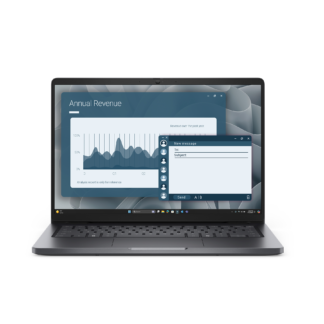
A Dell Pro 14 Plus laptop displays a chart that extends onto the screen of an adjacent Dell Pro 14 Plus Portable Monitor.


Choose your view

Switch between landscape and portrait modes easily with a built-in sensor and a smartly designed stand. Once you set it up, the screen will automatically adjust every time you change the orientation[
A person working on a Dell Pro 14 plus laptop while on a web conference on an adjacent Dell Pro 14 plus portable monitor.

Connect with ease

Space-saving design: An L-shaped USB-C cable connector keeps your setup neat and sleek.

Power pass-through: Charge while you work with USB-C charging that delivers up to 65W of power.

Plug and play simplicity: Set up quickly and easily with a single USB-C cable for both video and power. Place your monitor to the left, right or behind your laptop thanks to convenient USB-C ports on each side.

Two people collaborating. One is using a Dell Pro 14 plus laptop and the other is using a Dell Pro 14 plus portable monitor.

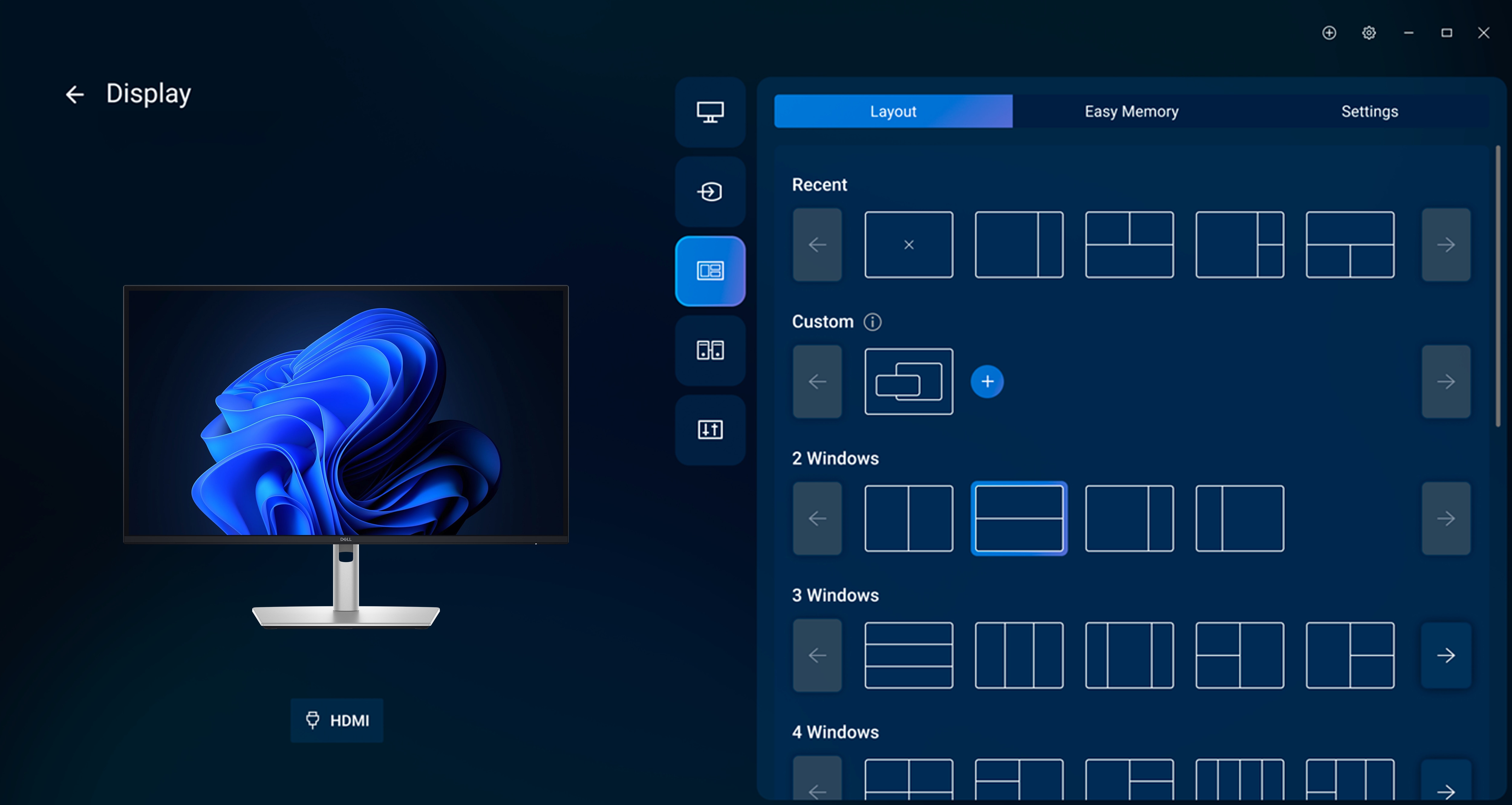
Dell Display and Peripheral Manager

Experience Dell’s singular, innovative application to optimize the performance of your entire Dell PC workspace[3].

Maximize productivity
Easy Arrange tiles apps across screens with pre-set partitions and customizes up to five windows, enhancing multitasking. Easy Arrange Memory saves and restores app profiles manually, on schedule, or at start-up.
Customize your views
Work comfortably, day or night. Automate your brightness and contrast settings to match your schedule.

More manageable
Save time and boost IT efficiency with the Dell Device Management Console to manage your Dell peripheral fleet at scale, from a single cloud-based console. Discover expanded Command Line Interface features from Dell Display and Peripheral Manager

TECH SPECS .
Number of Screens 1
Screen Size Class 14″
Viewable Screen Size 14″
Screen Mode WUXGA
Panel Technology In-plane Switching (IPS) Technology
Response Time Details 7ms GTG
Aspect Ratio 16:10
Pixel Pitch 0.15708 mm x 0.15708 mm
Horizontal Viewing Angle 178°
Vertical Viewing Angle 178°
Mount Type Panel Mount
Backlight Technology LED Edgelight System
HDCP Supported Yes
Tilt Angle 10° to 90°
Portrait +16.5°
Features
  • Narrow Bezel
  • Mercury-free
  • Arsenic-free Glass
  • PVC Free
  • BFR Free
  • Anti-glare
  • sRGB
Stand Adjustments
  • Tilt
  • Portrait
Stand Included Yes
Glass Hardness 3H
Operation Hours 12 Hours/7 Days

Video
Maximum Resolution 1920 x 1200
Standard Refresh Rate 60 Hz
Color Supported 16.7 Million Colors
Native Contrast Ratio 1,500:1
Brightness 400 cd/m2
Color Gamut 100% sRGB (CIE 1931)
Maximum Preset Resolution 1920 x 1200 at 60Hz
Pixel Per Inch (PPI) 162

Interfaces/Ports
Connectivity

Video port

  • 2 USB-C ports (DisplayPort 1.2 Alt Mode, Power pass-through of up to 65W) (HDCP 1.4) (Supports up to 1920 x 1200 60 Hz)

Built-in Devices
Built-in Devices

Auto-rotation Sensor


Environmental Conditions
Operating Temperature Range 32°F (0°C) to 104°F (40°C)
Non-operating Temperature Range 4°F (-20°C) to 140°F (60°C)
Operating Humidity Range 10% to 80% (Non-condensing)
Non-operating Humidity Range 5% to 90% (Non-condensing)
Maximum Operating Altitude 16404 ft
Maximum Non-operating Altitude 40000 ft

Power Description
Input Voltage Range 20V
Operating Power Consumption 5.40 W
Standby Power Consumption 0.3 W
Off-Mode Power Consumption 0.3 W
Maximum Power Consumption 7 W
Voltage Current 5 Ah

Physical Characteristics
VESA Mount Compatible Yes
VESA Mount Standard 100 x 100
Height 8.8″
Width 12.41″
Depth 0.18″
Height with Stand 8.80″
Width with Stand 12.41″
Depth with Stand 0.58″
Weight (Approximate) 1.25 lb
Weight with Stand (Approximate) 1.36 lb

Miscellaneous
Package Contents
  • Pro 14 Plus Portable Monitor P1425
  • Stand
  • QR Card
  • Safety Information
Cables Included

1 x USB Type-C to C Upstream Cable 1.00 m

Energy Star Yes
Country of Origin China
Dell Display Manager Compatibility Yes Environmentally Friendly
Yes
Environmental Certification
  • Electronic Product Environmental Assessment Tool Climate+ (EPEAT Climate+)
  • Electronic Product Environmental Assessment Tool Gold (EPEAT Gold)
Energy Efficiency Certification

ENERGY STAR 8.0

Energy Efficiency Compliance

Energy-related Products Directive Lot 5 (ErP Lot 5)

Environmental Compliance

Restriction of Hazardous Substances (RoHS)


Warranty
Limited Warranty

3 Years

Additional Warranty Information

3 Years Limited Hardware and Advanced Exchanged Service
Reviews

There are no reviews yet.

Be the first to review “Dell Pro 14 Plus Portable Monitor – P1425”

Your email address will not be published. Required fields are marked *

This site uses Akismet to reduce spam. Learn how your comment data is processed.